


Laura Cesari - Fantasy Deco Drawings and Prints

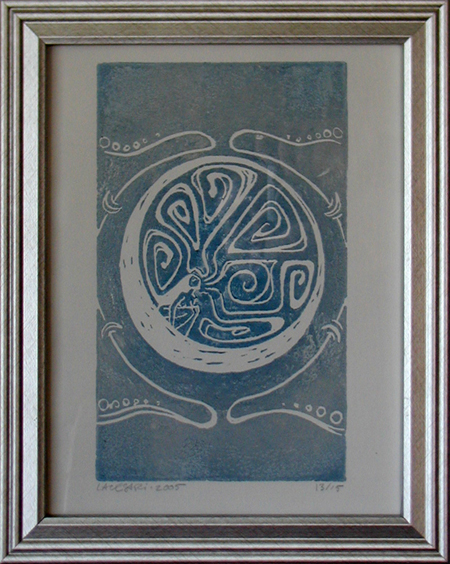
Microcosm, handmade block print.
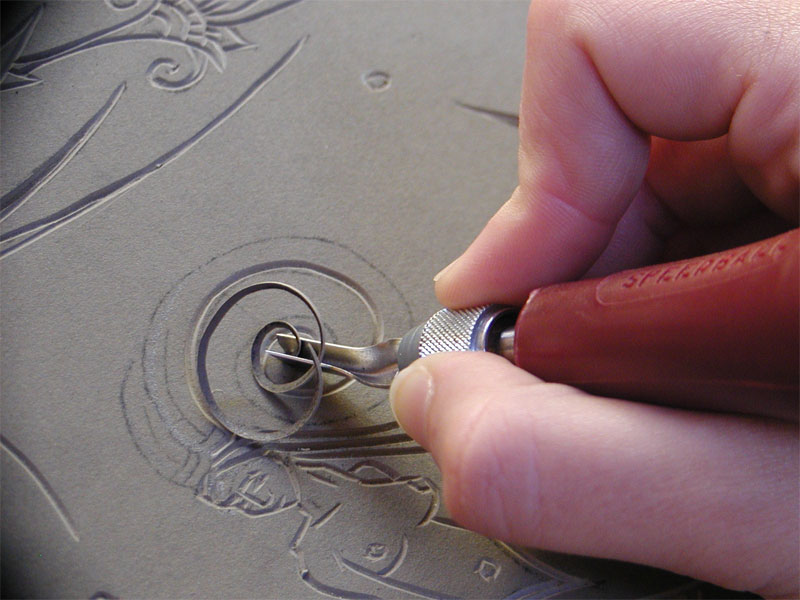
Carving the print block for Microcosm.
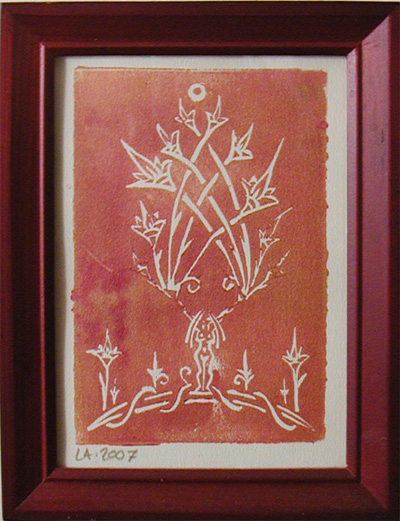
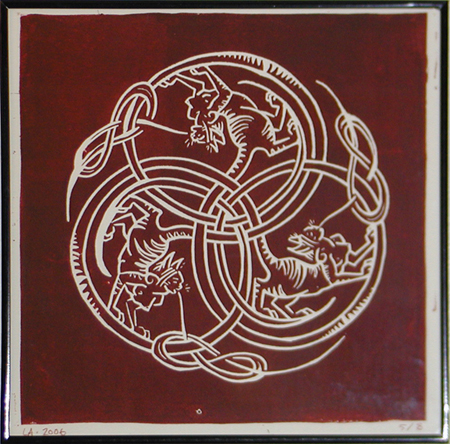
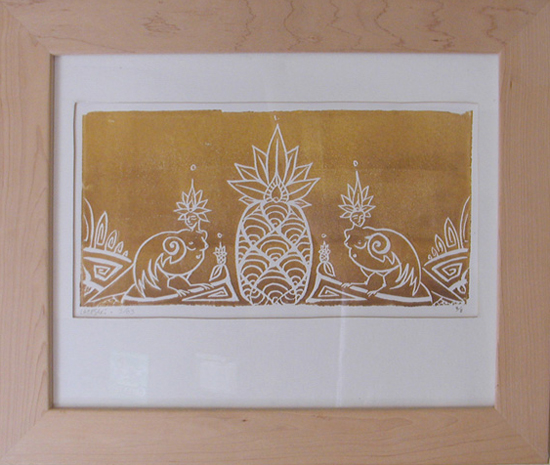
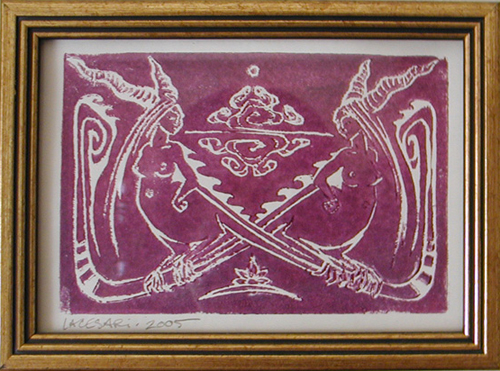
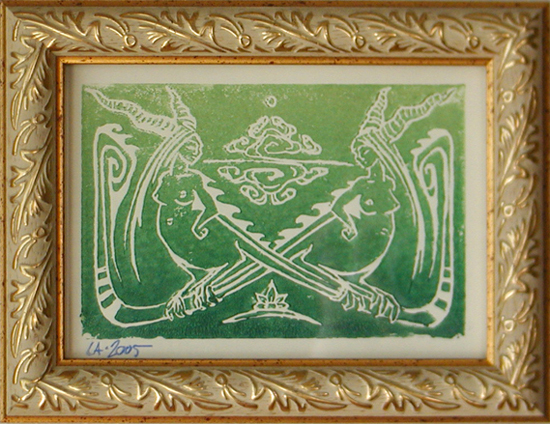
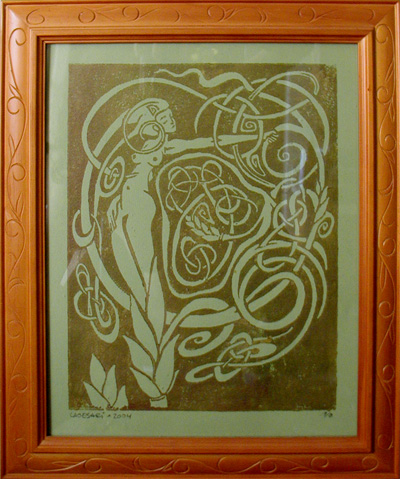
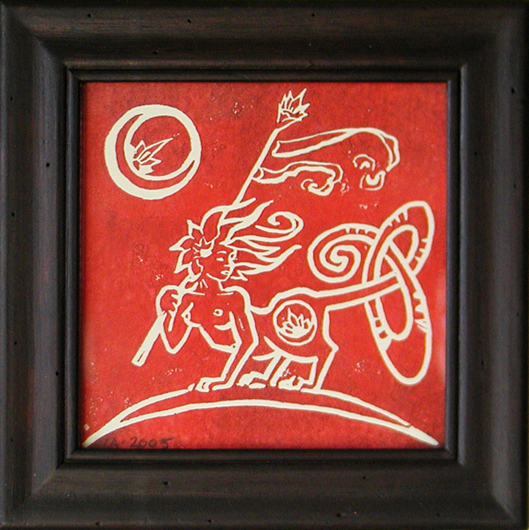
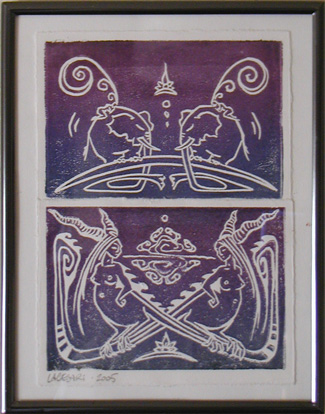
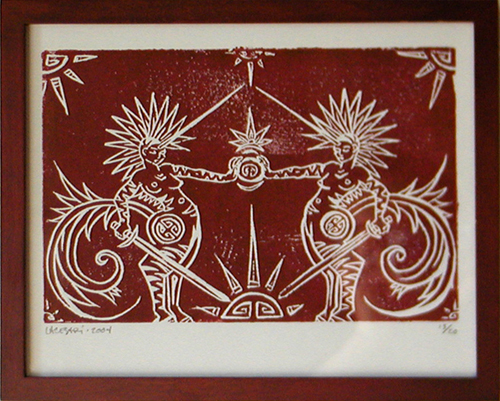
Plants, animals, and human forms entwine and coexist in a world of decorative fantastical beings.
Inspired by ornamental arts, folklore, archetype, and nature, these images represent the unity, harmony, and balance of living things. I like combining Art Deco and Art Nouveau with motifs from my roots in the Mediterranean, Himalayas, and South America. I hope my hybrid beings and multicultural deco drawings can inspire people to think inclusively and love each others' differences.
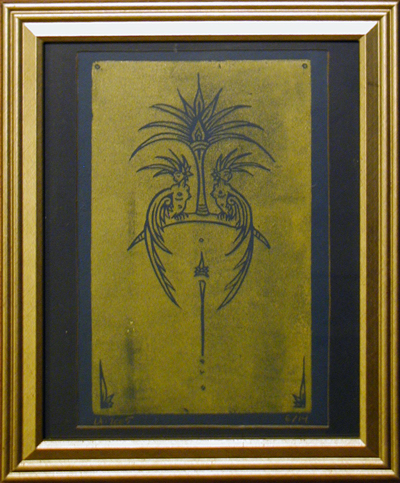
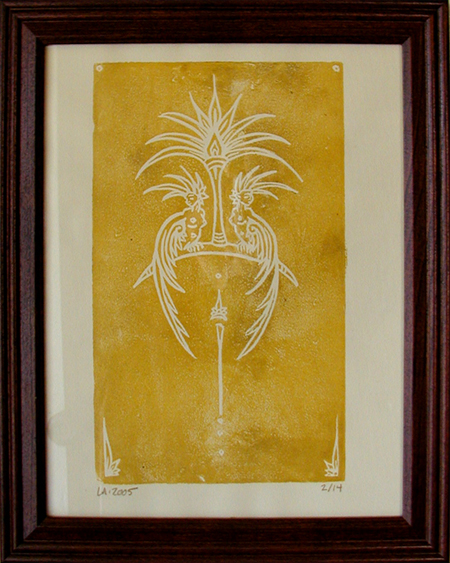
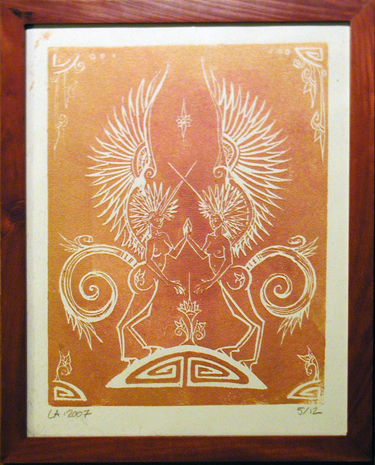
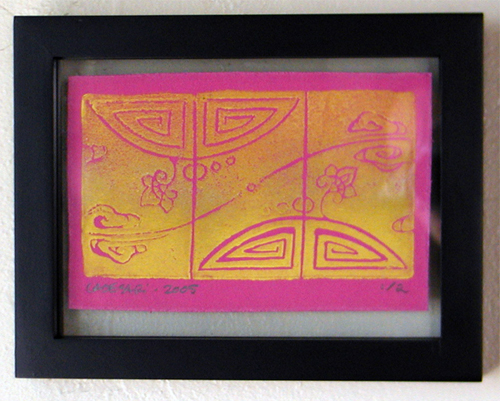
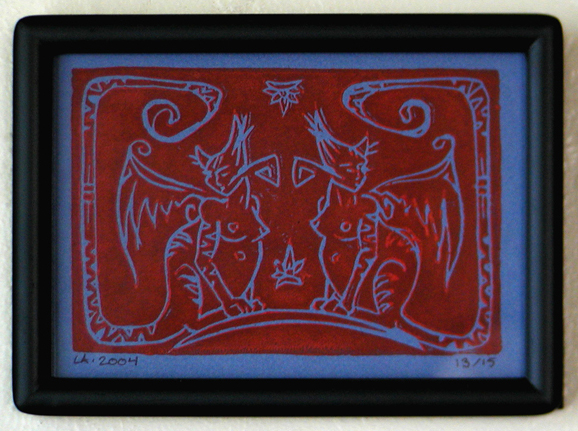
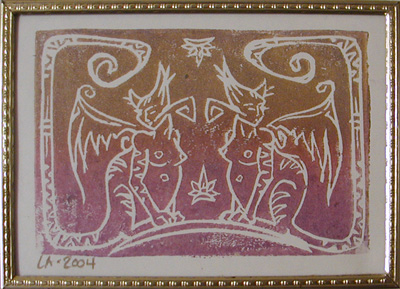
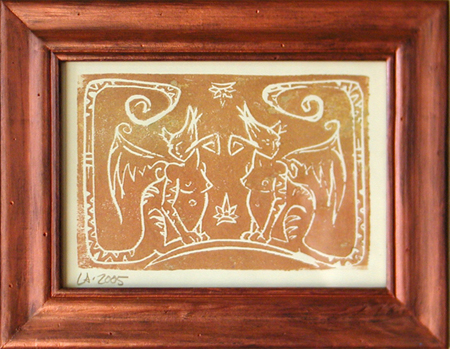
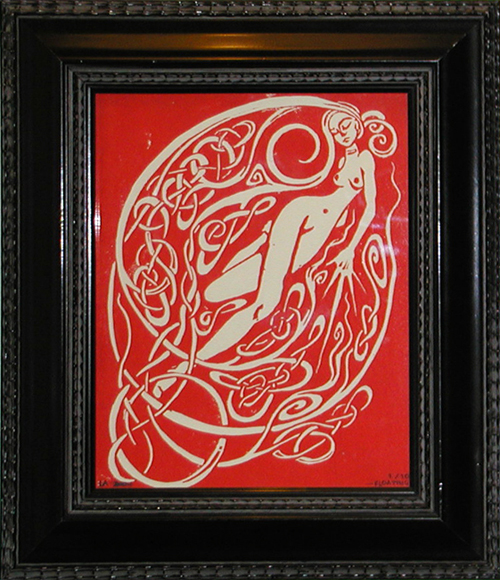
Hand-carved and hand-printed, each of these prints has a unique ink blend and texture. I print in small runs, outside on sunny days, and the prints are signed, dated, and numbered.
You can find handmade limited-edition prints, as well as clothing and accessories with my art, at my shop:
 Caballera.com.
Fabulous Wallflowers Ink Prints - Archive
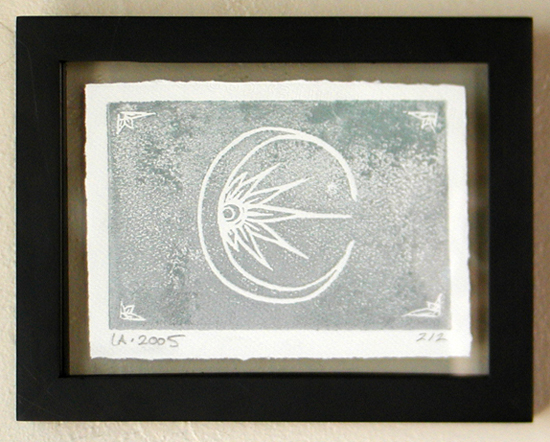
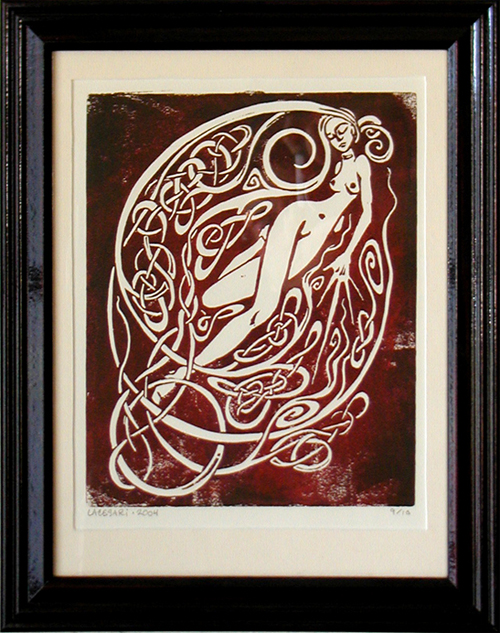
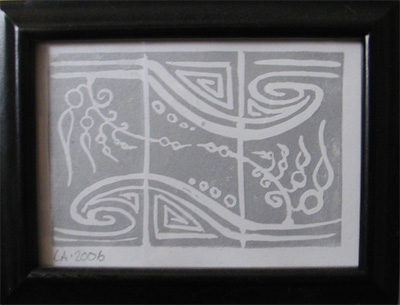
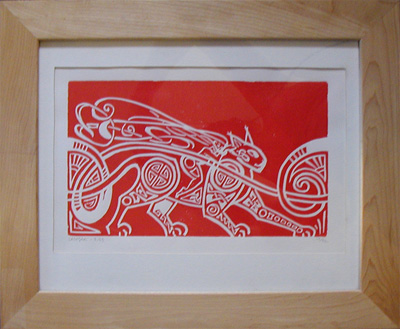
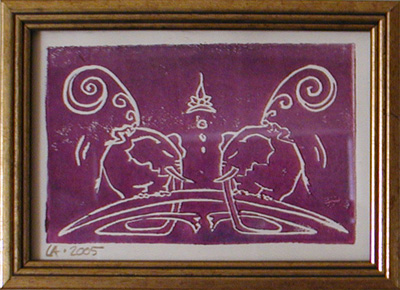
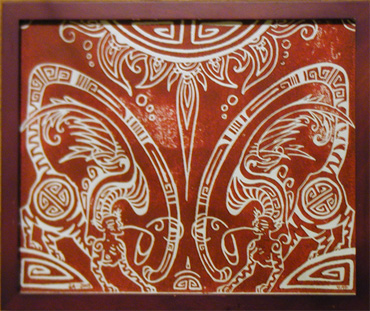
Below is a selection of my Fabulous Wallflowers handmade block print series. See what's available now and buy original ink prints at Caballera.com.






 Educational Design
 Interactive Design
 Graphics & Animation
 Contact